

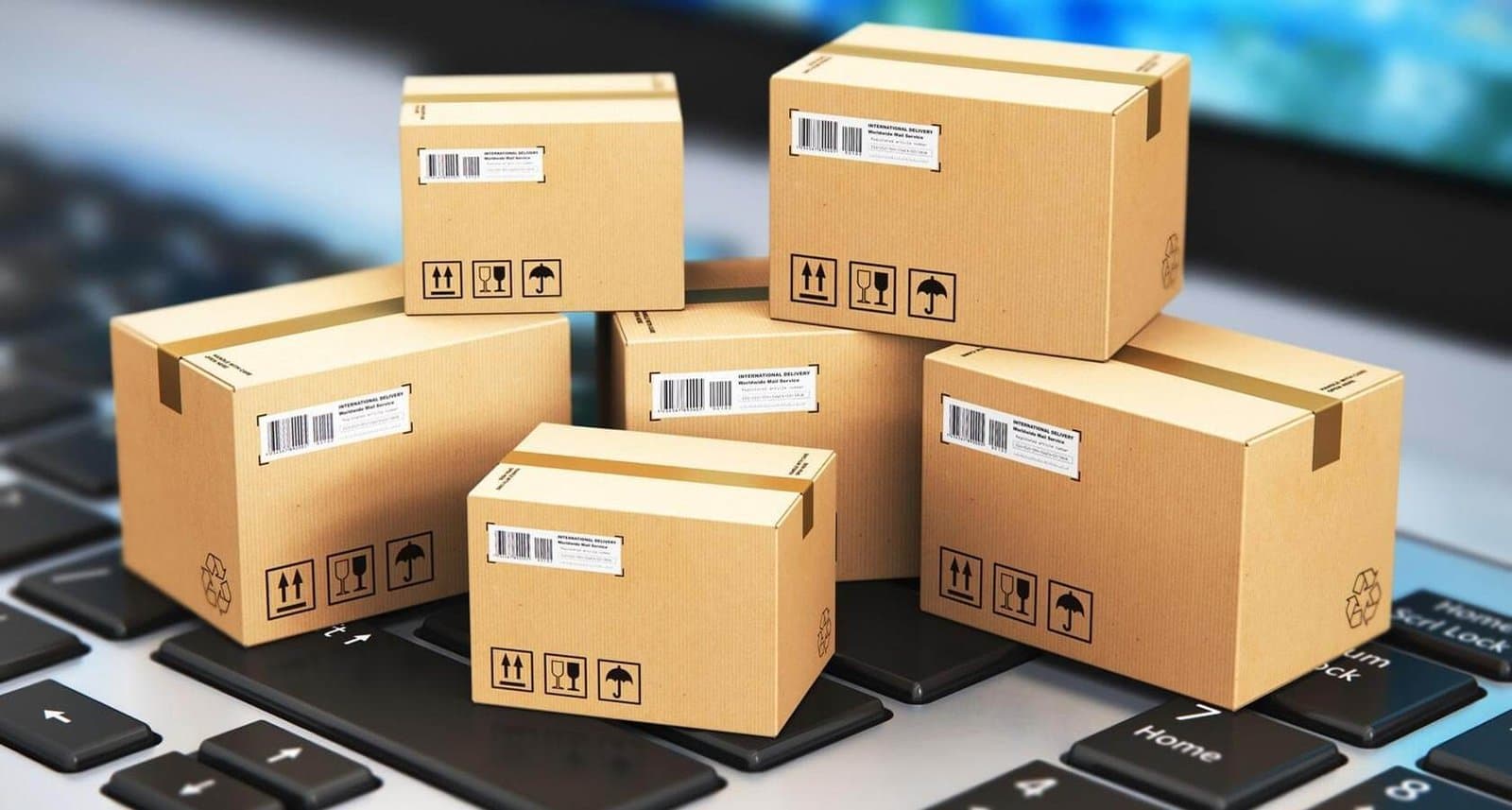
Amazon Scams Explained
Scammers use two primary tactics: fake Prime subscription issues and fraudulent delivery problems. Both aim to steal your login credentials or financial information under the guise of helping you.
Warning: Amazon will NEVER call you about account issues out of the blue or ask for remote access to your device.
Subscription Scam
- Unexpected call about unauthorised Prime renewal
- Claim of higher subscription rate being charged
- Offer to process refund in exchange for payment details
- Request for remote access to "fix" the issue
- Links to fake Amazon websites to capture login credentials
Delivery Scam
- Call, text or email about a "failed delivery"
- Request to verify address and payment details
- Claim of additional delivery fees being required
- Links to fake tracking pages or payment portals
- Attempt to install malware through "delivery notification" apps
Genuine Amazon Communications
Amazon will only contact you:
- About account issues through your message center
- Via email only from @amazon.com addresses
- About deliveries via official tracking updates
- Never by phone unless you initiated contact first
- Never to request payment information directly